
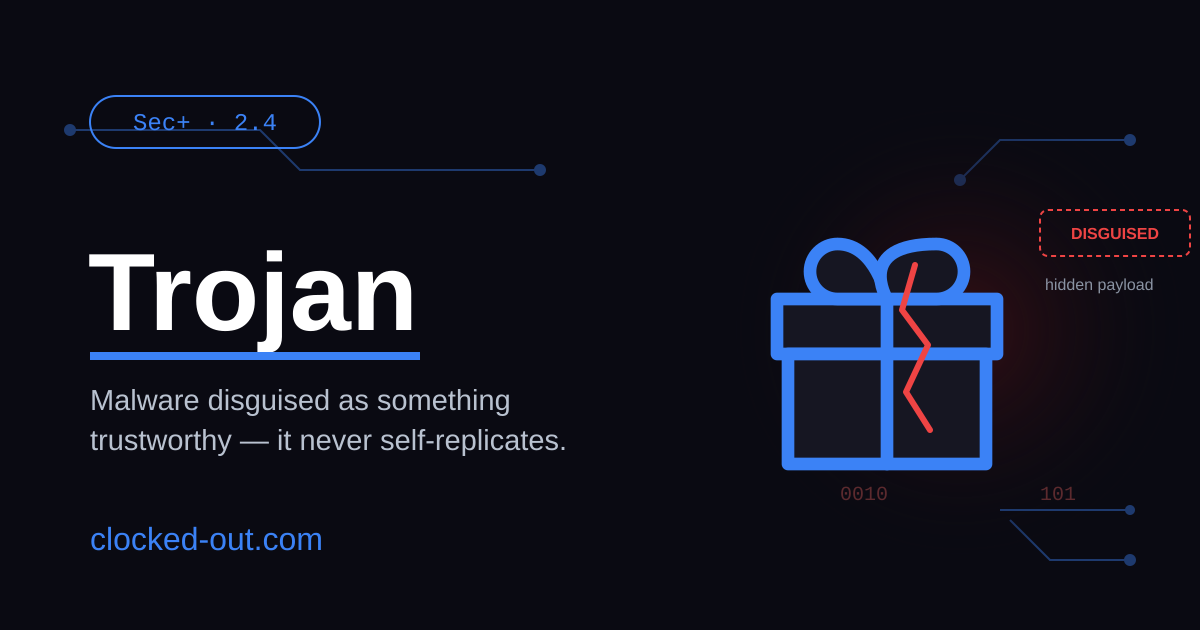
What Is a Trojan?
A Trojan (short for Trojan horse) is malware that disguises itself as legitimate or harmless software to trick you into installing and running it. Unlike a virus or a worm, a Trojan does not replicate itself – it relies entirely on deceiving a human into launching it. Once executed, attackers use it to open backdoors, steal data, or take remote control of the system.
That one distinction – deception over self-replication – is the key to understanding Trojans, and it’s exactly what the Security+ exam tests.
How a Trojan Works
A Trojan attack follows a predictable lifecycle:
- Disguise – The malicious code is wrapped inside something that looks trustworthy: a cracked game, a fake software update, a “free” utility, an email attachment.
- Delivery – It reaches the victim through phishing emails, malicious ads, fake download sites, or pirated software.
- Execution – The victim runs it voluntarily, believing it’s safe. This human action is the trigger – without it, nothing happens.
- Payload – The hidden malicious function activates: installing a backdoor, logging keystrokes, exfiltrating data, or pulling down additional malware.
- Persistence – Many Trojans quietly establish a foothold so they survive reboots and remain undetected for weeks or months.
Common Types of Trojans
- Backdoor Trojan – Opens remote access so an attacker can control the device. (When the remote-control capability is the whole point, it’s often called a RAT – Remote Access Trojan.)
- Banking Trojan – Steals financial credentials via keylogging or form-grabbing. Example: Zeus/Zbot.
- Downloader / Dropper Trojan – Fetches and installs further malware. Example: Emotet, which began as a banking Trojan and evolved into a loader that delivered ransomware.
- Spyware / Infostealer Trojan – Harvests credentials, browser data, and keystrokes.
Trojan vs. Virus vs. Worm (the distinction the exam loves)
This is the comparison Security+ tests directly – and the reason this concept trips people up.
| Trait | Trojan | Virus | Worm |
|---|---|---|---|
| Self-replicates? | ✗ No | ✓ Yes (attaches to a host file) | ✓ Yes (spreads on its own) |
| Needs user action? | ✓ Yes – must be run | ✓ Yes – host file must run | ✗ No – spreads automatically |
| Primary spread | Social engineering / disguise | Infected files | Network vulnerabilities |
| Defining trait | Deception | Attaches to a host | Autonomous propagation |
Bottom line: If it tricked a person into running it and doesn’t copy itself → Trojan. If it spreads across a network with no help → worm. If it attaches to a file and needs that file to run → virus.
Real-World Examples
- Zeus (Zbot) – A notorious banking Trojan that stole millions in credentials through keylogging and browser form-grabbing.
- Emotet – Started as a banking Trojan, became one of the most damaging malware loaders in the world, delivering other payloads (including ransomware) via malicious email attachments before a major law-enforcement takedown.
- Remote Access Trojans (RATs) – Families like DarkComet and njRAT gave attackers full remote control of infected machines.
Indicators You May Have a Trojan
Tie these to the Sec+ objective “analyze indicators of malicious activity”:
- Unexpected outbound network connections or traffic spikes.
- New, unfamiliar processes or services running.
- Disabled antivirus or security tools.
- Sluggish performance, crashes, or unexpected pop-ups.
- Unknown programs launching at startup.
How to Detect and Mitigate Trojans
- Endpoint protection – Keep antivirus/EDR current to catch known signatures and suspicious behavior.
- Network monitoring (IDS/IPS) – Watch for the anomalous outbound traffic a backdoor generates.
- User education – The Trojan’s whole attack surface is human trust. Train users to spot phishing, avoid pirated/untrusted downloads, and verify software sources.
- Least privilege – Limit admin rights so an executed Trojan can’t do system-level damage.
- MFA – Even if credentials are stolen, multi-factor authentication blunts the payoff.
- Patch + update – Reduces the secondary vulnerabilities a Trojan tries to exploit after landing.
Frequently Asked Questions
Is a Trojan a virus? No. People use the terms loosely, but they’re technically different: a virus self-replicates by attaching to host files, while a Trojan does not replicate at all – it relies on tricking a user into running it.
Can a Trojan replicate itself? No. The inability to self-replicate is what separates a Trojan from viruses and worms. It spreads only through deception and user action.
How do Trojans spread? Through social engineering: phishing emails, malicious ads, fake updates, and pirated software. A human has to choose to run the file.
What’s the difference between a Trojan and a worm? A worm spreads automatically across networks with no user interaction. A Trojan requires a user to execute it and does not self-propagate.
Key Takeaway
A Trojan is deceptive malware that hides inside something trustworthy to trick users into running it. Unlike viruses and worms, it doesn’t self-replicate. Because it bypasses defenses by targeting behavior rather than technical flaws alone, the strongest protection is layered: user awareness, current endpoint security, least privilege, and good cyber hygiene.
Drag each scenario into the right category, then check your answers.
Security+ Exam Focus
- Exam: CompTIA Security+ (SY0-701)
- Domain: 2.0 – Threats, Vulnerabilities, and Mitigations
- Objective: 2.4 – Given a scenario, analyze indicators of malicious activity
- What they test: Distinguishing Trojans from viruses/worms (no self-replication, requires user action) and recognizing indicators of infection.
Related Notes
- What Is Ransomware? – a common Trojan payload
- What Is Phishing? – the most common Trojan delivery method
- What Is a File-Based Threat?
- What Is a Zero-Day Vulnerability?
Additional Resources
For the full Security+ note set, visit our main Sec+ page. For walkthroughs, see our YouTube channel.